Posts

Showing posts with the label ComboBox

UWP: XAML's ComboBox Control - Part 2
Image
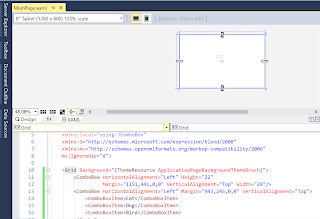
In Part 1 , you added after following a few tasks the following to a  Blank UWP project. Getting the ComboBox Control Placing ComboBox on the Design area Adding ComboBoxItems ComboBox 4 In this post you will write code for an app consisting of a ComboBox , a Button and a TextBox so that when you select an item in the ComboBox and click the button, the selected item appears in the TextBox. We already have a ComboBox with three items. We will drag a BUTTON and a TEXTBOX from the Toolbox ComboBox_8 And drop on the DESIGN pane as shown. The XAML markup is shown in the XAML Pane as shown. ComboBox_9 We want to Select a ComboBoxItem and then click the BUTTON . This should get displayed in the TEXTBOX . We add a click EVENT to the button by typing-in Click inside the BUTTON code as shown and choose 'NEW EVENT HANDLER'. ComboBox_10 It will be named 'Button_Click ' as shown. ComboBox_11 The following will be added to the MainPage...

UWP: XAML's ComboBox Control -Part 1

Image
Microsoft's Universal Windows Framework apps are well supported by Microsoft and you could use it for not only Windows but for other devices as well. You can also use UWP for cross-platform use. In the Universal Windows Platform (UWP) projects there is an advantage of one code that works on different device families (phone, tablet, desktop etc.). However, the UWP projects depend on using XAML.  ComboBox details can be seen in the Object Explorer of Visual Studio 2017 Community used in writing this post. In this post, I will show you how you may work with this controls for a UWP project. Getting the ComboBox Control Placing ComboBox on the Design area Adding ComboBoxItems We start with a Windows Universal blank C# project with the name JComboBox as shown. You will be asked for what target and minimum versions of Windows 10 that you want. The higher the version the more feature support. The Build version 16299 is chosen for both as shown i...