UWP: XAML's ComboBox Control - Part 2
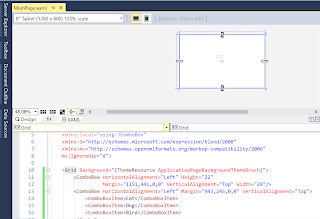
In Part 1 , you added after following a few tasks the following to a Blank UWP project. Getting the ComboBox Control Placing ComboBox on the Design area Adding ComboBoxItems ComboBox 4 In this post you will write code for an app consisting of a ComboBox , a Button and a TextBox so that when you select an item in the ComboBox and click the button, the selected item appears in the TextBox. We already have a ComboBox with three items. We will drag a BUTTON and a TEXTBOX from the Toolbox ComboBox_8 And drop on the DESIGN pane as shown. The XAML markup is shown in the XAML Pane as shown. ComboBox_9 We want to Select a ComboBoxItem and then click the BUTTON . This should get displayed in the TEXTBOX . We add a click EVENT to the button by typing-in Click inside the BUTTON code as shown and choose 'NEW EVENT HANDLER'. ComboBox_10 It will be named 'Button_Click ' as shown. ComboBox_11 The following will be added to the MainPage...